Facebook account care: preparation, Page activity and CPM
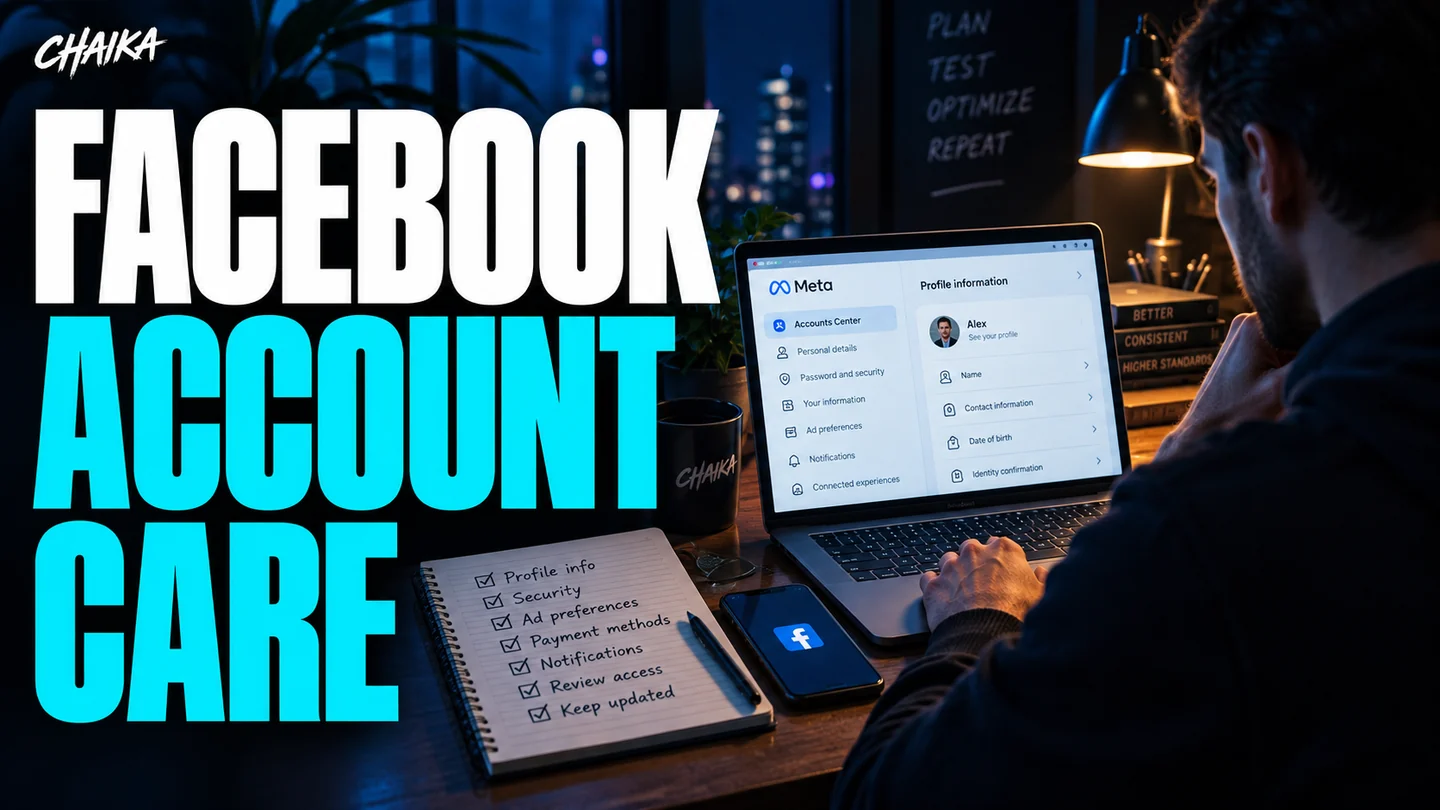
Prepare the account a few days before launch. Check access and history, do the warm-up and finish setting up the Page. It is harder to deal with this once ads are running, especially if an account check interrupts delivery.
I would give account care its own place in the workflow: preparation, profile activity, Page upkeep and a warm-up campaign. The Page is the Facebook business page your ads run from. Keep the account and Page operational and watch CPM.
Start a couple of days before launch
This workflow leaves the account idle for 2–12 hours after moving it into its working environment, including an antidetect browser. Direct sharing by the seller into your antidetect browser is treated separately. Then check what you received and start preparing it.
This is why getting an account exactly when you need to hit Publish is awkward. Prepare it a couple of days earlier. Leave time to check access, look through the history and sort out the Page. When the deadline is already burning, every unexpected prompt becomes a problem.
An agency account may arrive prepared, but this workflow still includes a warm-up. For what agency access actually means, read the Facebook agency account guide.
Check what you actually have
A sales description may not match the account. A fresh registration can be presented as an established profile. Check the profile itself and its history before launch.
- Check access to the email address. Can you receive a message when you need it?
- Check the linked phone number, if there is one, and who can access it.
- Find the profile creation date and review its activity history.
- Look at ad preferences, interests, interactions and advertisers.
- Review the activity from other websites and apps shown in the account settings.
Start with Ad preferences in Accounts Center. For external activity, see Activity from other businesses. Review the interests and interactions actually shown in the account.
One interest or a creation date will not reconstruct the entire account history. These checks are still useful before any budget goes in. Missing email access or a history that does not match the description is easier to deal with now.
Profile activity as part of the routine
People use Facebook to browse, talk and follow their interests. Account preparation here includes everyday profile activity alongside advertising work.
Activities include adding friends, conversations, posts, reading the feed, games and streams. The reference here is up to 10 friends, without a daily period. Do not turn it into a compulsory daily quota. One game example is 8 Ball Pool.
Another preparation step uses websites in the target GEO with Meta Pixel or Facebook login. Site lists can come from the account farmer or relevant Telegram channels; an antidetect browser’s cookie-browsing feature is used for visits. Keep profile activity going after advertising starts, rather than opening it only for the next launch.
This workflow links preparation quality with later advertising activity and keeps the profile active after launch. It does not provide an exact formula converting profile actions into account strength.
Give the Page some attention too
Now the Page. I would start with what a visitor sees after clicking: its name, cover, description, link and recent posts. If the ad promotes one product but the Page is a random collection of unrelated content, people have to work out where they landed.
Prepare a few relevant posts: what the product does, how to use it and answers to common questions. Answer real questions from visitors. If customers have shared feedback, use it with their permission. Give people enough information to understand the offer and contact the business.
Also check who manages the Page and business. An old contractor’s access, a missing recovery code or an unfamiliar administrator can consume more time than a creative brief. There is a separate guide to Facebook domains, security and access, plus the two-factor authentication walkthrough.
The Page warm-up campaign
Another step is a small Page campaign kept running during the working period. The example uses $1 without a specified period. Before launching, check whether the selected budget is daily or lifetime.
Creative ideas include cats, satisfying videos or a simple question. For example: pool or air conditioning on a hot day? Match the topic to the language, GEO and Page so people can respond easily.
The campaign’s aim in this workflow is positive Page engagement and a better impression cost. Record what you launched, when and at what cost. Then compare auction metrics and outcomes using your own numbers.
Read CPM alongside conversions
CPM is the cost of 1,000 impressions. Watch it, but remember the click, conversion and revenue still come afterwards. Cheaper impressions may leave the overall economics unchanged.
| Metric | The question it answers |
|---|---|
| CPM | What do 1,000 impressions cost? |
| CTR | What share of impressions became clicks? Compare the same click definition. |
| CPC | What does a click cost? |
| CPA | What does the target action cost? |
| ROI | Did confirmed revenue cover the costs? |
If you changed the country, creative and offer at the same time, a lower CPM will not tell you which change helped. Compare similar periods and keep a record of what changed. Use the ad report comparison tool for two exports and the ROI calculator for costs and confirmed revenue.
Before the account starts spending
- Prepare the account ahead of launch and leave 2–12 hours after moving it.
- Check email and phone access and understand how account recovery will work.
- Review the creation date and profile history.
- Prepare the Page description, cover, contact information and relevant posts.
- Review administrators, partners and two-factor authentication.
- Choose the warm-up creative, country and a clearly understood budget period.
- Record starting costs and metrics so you can compare results later.
Already dealing with a restriction? The Business Support Home guide covers checking statuses and support requests. To get more familiar with the advertising settings, there is also the Meta Blueprint article.
Questions and answers
How early should I prepare a Facebook account?
Start preparing a couple of days before launch. This workflow leaves 2–12 hours after moving the account, then checks access and history, prepares the profile and Page, and reviews a warm-up campaign and its results.
Does the method include warming up agency accounts?
This workflow includes warm-up for agency accounts too. Check the provided access and the profile and Page condition separately.
What should I check in the account history?
The creation date, email and phone access, ad preferences and the interactions with other websites and apps shown in the account settings.
What budget is used for the Page campaign?
The example uses $1. Check whether you are setting a daily or lifetime budget before launching.
Is a lower CPM enough to judge the outcome?
Also review CTR, cost per click, cost per target action, total costs and confirmed revenue. Cheaper impressions alone do not tell you whether the campaign is profitable.
More guides are in the Facebook and Meta section. Want to discuss your workflow? Message me on Telegram.

Over ten years in media buying. I write about ad platforms, account operations and the money behind campaigns. One practical question at a time.
Updated: